Navie
Real-time, indoor navigation support for visual impairment.
Role
UX Designer
Timeline
12 Weeks, 2026
Skills
UX DesignInteraction DesignProject ManagementAccessibilityCo-Design
Context
The Issue of 'Last 20-Metres'
In unfamiliar indoor environments, navigation failures often stem not from incorrect routes, but from user uncertainty during the final approach — which entrance? which corridor? This 'last 20 meters' is precisely where GPS and existing assistive tools completely fail.
Context
What is Navie?
Navie is a multimodal indoor navigation system for visually impaired users, combining a haptic wristband, voice-controlled app, and community-sourced routes to bridge the 'last 20 meters' where GPS fails.
Process
Research
As part of a broader SenseMap project, we worked with 6 participants who had complete visual loss, to understand their indoor navigational experiences.
Guided Co-Design
Prototyping Phase
Pilot Phase
Process
Guided Co-Design
Co-design comprised of in-depth conversations with visually impaired participants about their indoor navigation strategies, pain points, and existing tool usage. We also set demonstrative tasks for them to show us their navigation and physical habits.
Process
Challenges
Participants raised the following concerns through the co-design, where we developed a three step process in indoor navigation. We focused on the first phase, noting down challenges participants faced.
Trial & Error
Escalation & Help Seeking
Receiving Assistance
Need for Confidence Cues
As users are in an ever-changing environment, they rely on familiar cues or bystanders to help them get around.
Integration with Daily Tools
Participants wanted easy integration with Apple's Voiceover, to help them learn about the application.
Spatial Description Builds Confidence
Having prepared feedback on rough spatial structure gives them confidence.
Process
Ideation
Synthesizing participant concerns, we delved into two rounds of ideation alongside participants. The first round consisted of open exploration with visually impaired participants using Post-it notes and Play-Doh to envision wearable form factors.
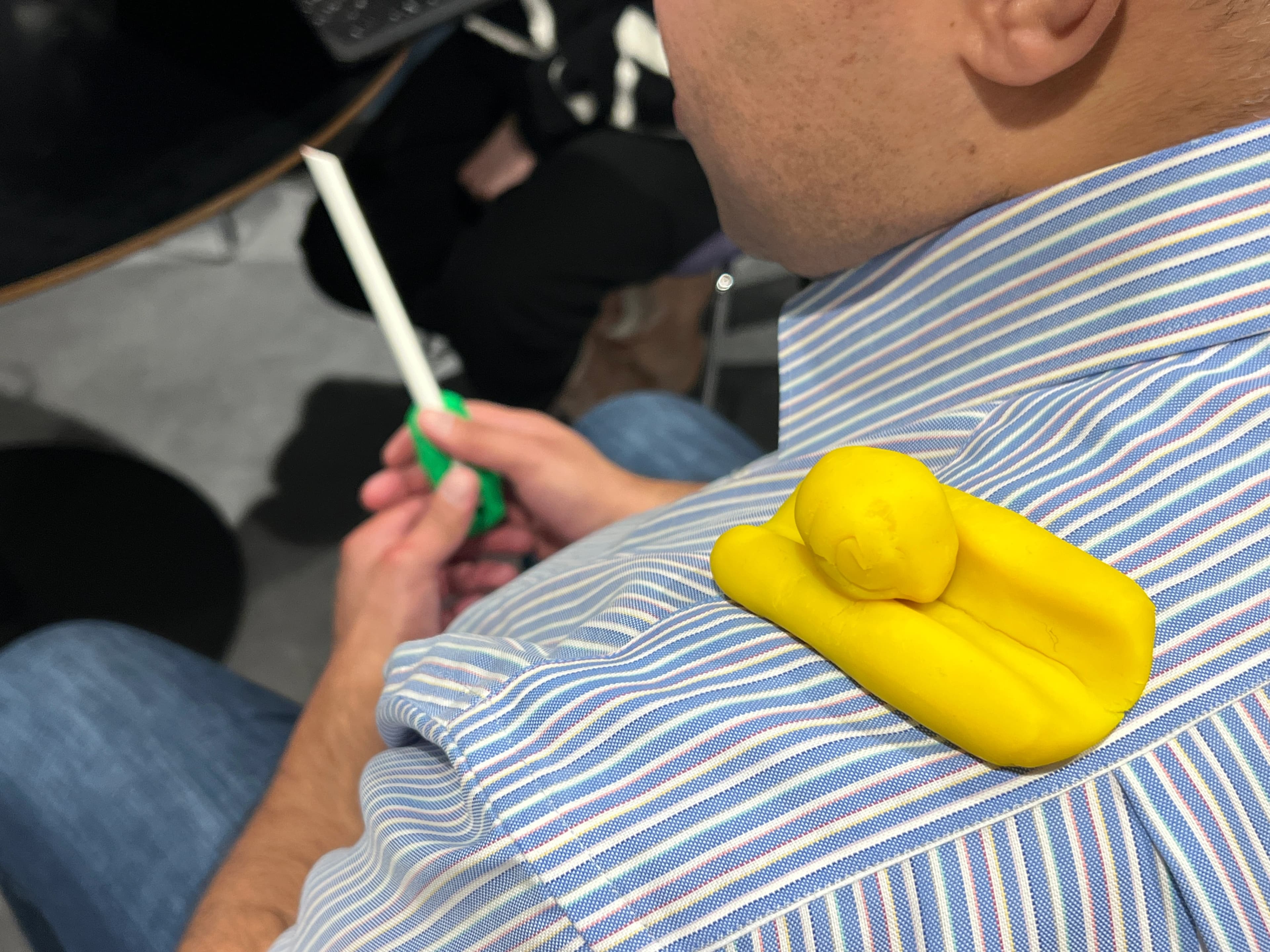
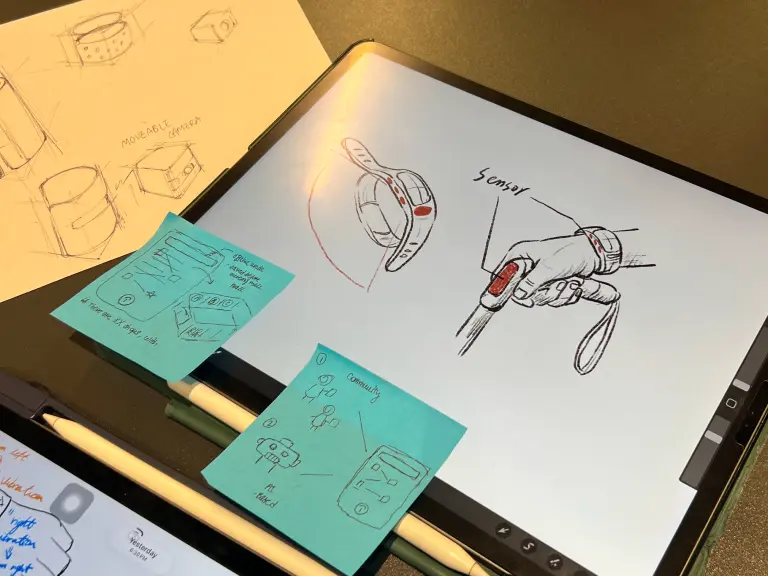
Participants reported the following:
Wearable concept resonated strongly with 4/6 participants.
Wrist placement over shoulder placement for discreteness and safety.
Process
Ideation & Prototyping
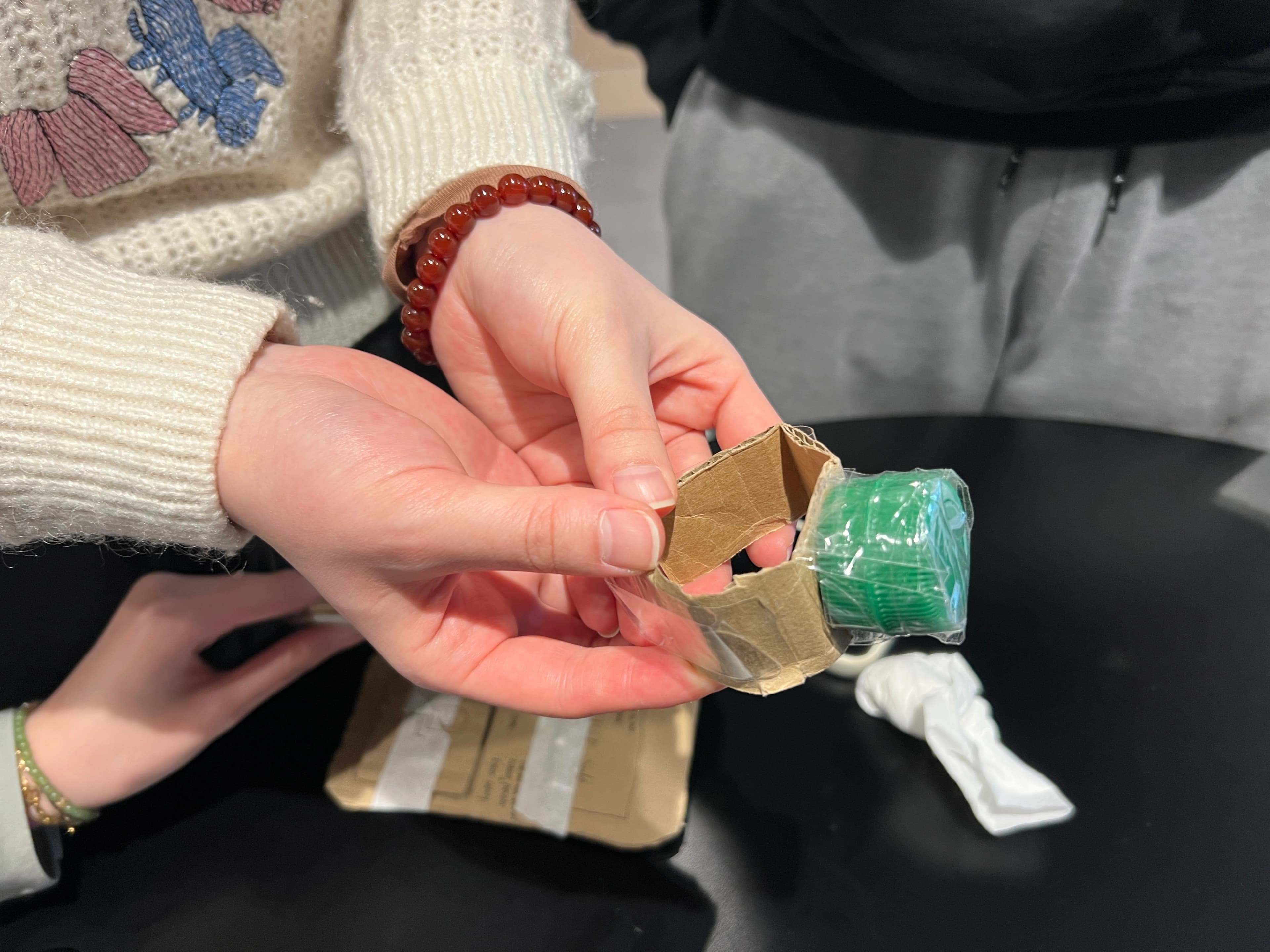
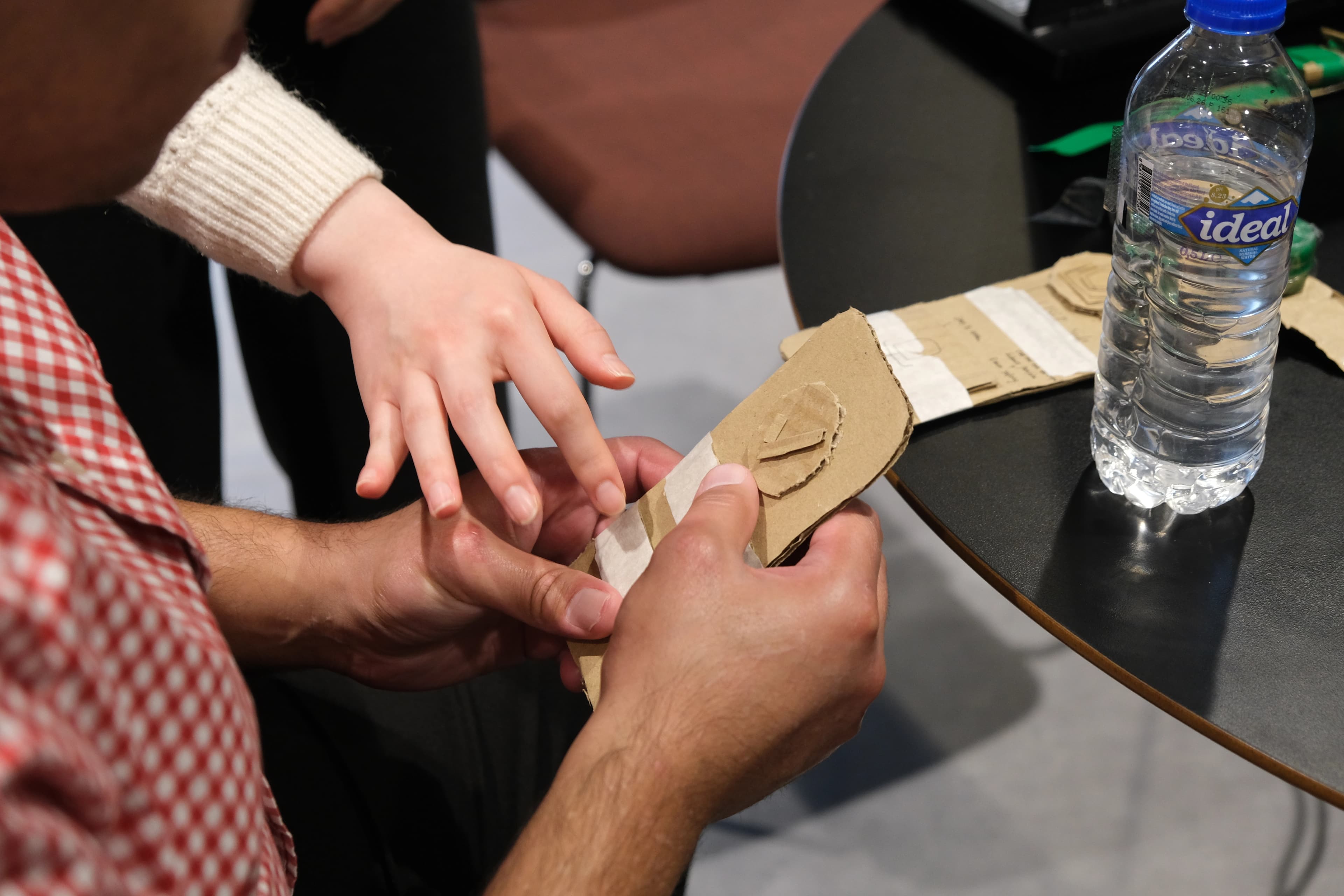
Upon learning participant preferences, we proceeded to construct low-fidelity physical prototypes with haptic and audio feedback. This involved earlier versions of the wristband and app structure.
Process
Feature Specifications
We further prototyped physical wristbands and attachments, to understand how specifications would fit with participants' daily tools.
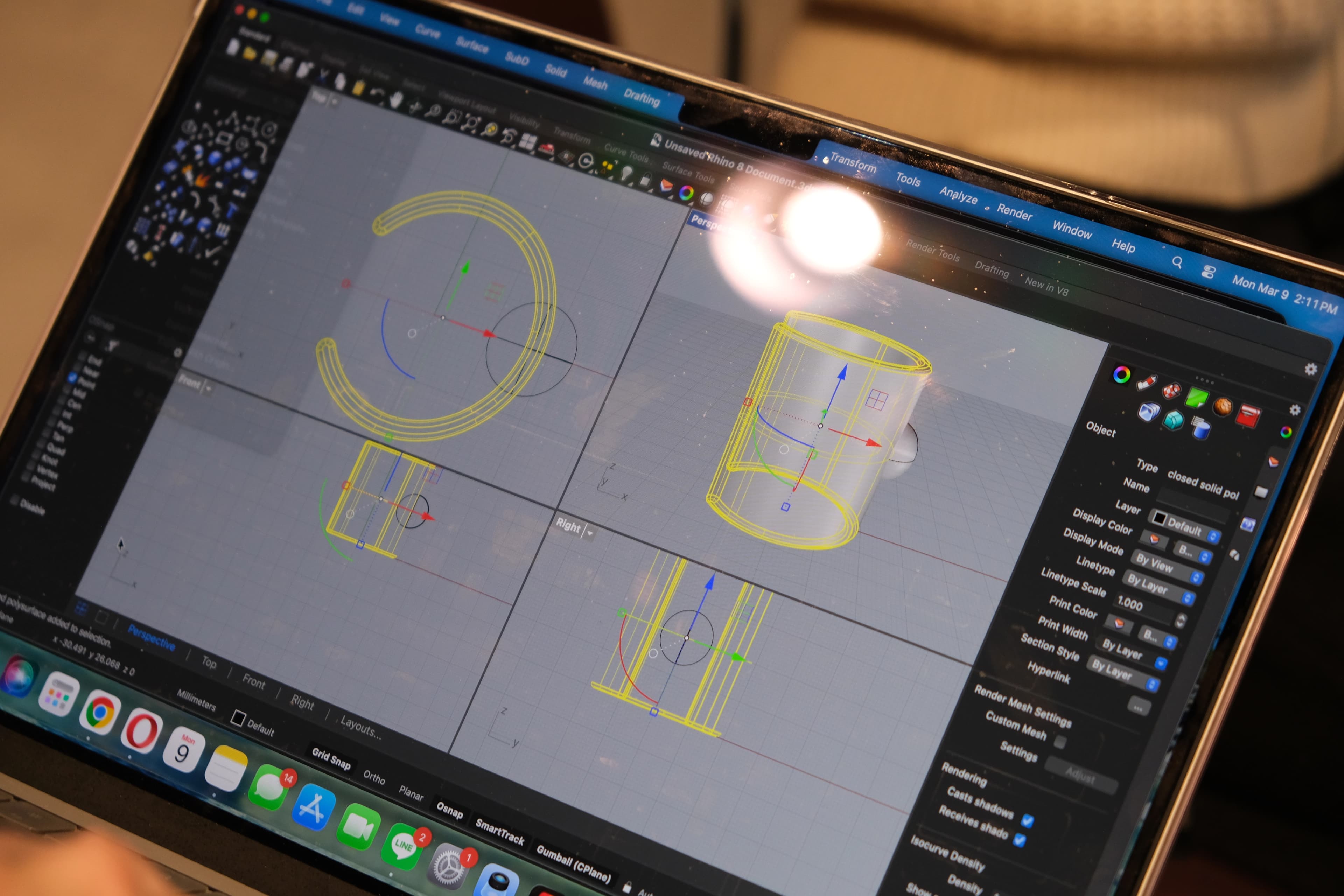
Across iterations, we learned the following insights to inform SenseMap requirements:
Limit haptic patterns for wristband to 3-4 mappings, to ensure learnability.
App structure should be minimal in content to aid Voiceover readings.
Haptic feedback collected should be mapped back to Audio Guidance, upon wifi connection.
Impact
Moving Forward
Our work with the Global Disability Innovation Hub produced the following outcomes:
Further Testing of Mobile Solution
Pilot round under GDI Accelerate, with 12 visually impaired participants.
Qualitative Contributions for SenseMap Project
PHD Research (SenseMaps) led by Dr Maryam Bandukda.